
Reasons why modern businesses must embrace social media boils down to popularity. Viewers typically watch live video 10 to 20 times longer than on-demand content, giving your business more time to earn their attention.
When you go live, you can answer questions in real time, demonstrate how your products work, and make your brand feel more accessible.
But reach alone won’t deliver results. You need the right platform, a clear plan, and ways to keep viewers involved.
The difference starts before you press “Go Live.”
Choose the Right Platform for Your Business Livestream
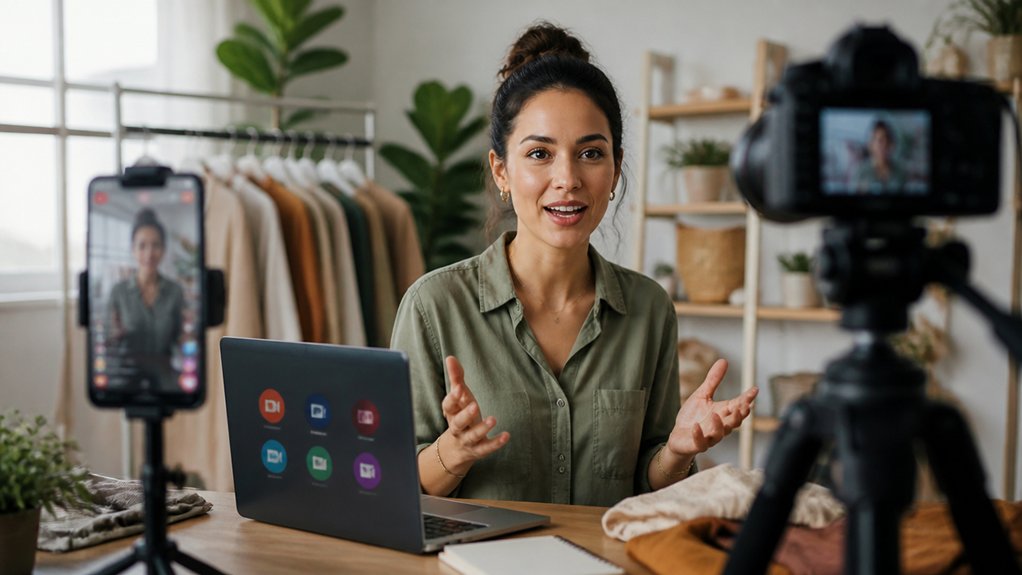
Choose a platform your customers already use, not simply the one getting the most attention. Review each channel’s audience, engagement patterns, and business features. A professional network may be a good fit for B2B expertise, while a visual platform can help consumer brands reach shoppers looking for new products.
Match your goals to each platform’s strengths, including interactive tools, replay options, analytics, and links to products or services. Then consider whether your team can maintain a consistent presence there. Scheduling tools can make it easier to promote livestreams and coordinate announcements with your broader social strategy.
Rather than spreading your resources across every network, focus on one or two platforms where your audience is active and your brand can provide value. Use performance data to refine your choice over time instead of relying on assumptions or trends.
Plan Your Business Livestream: Topic, Timing, and Setup
Once you’ve chosen a platform, plan a livestream that gives your audience a clear reason to tune in. Choose one focused topic tied to a business goal, such as explaining a product update, demonstrating a service, or answering common customer questions. A clear purpose helps you shape the content and assess whether the broadcast delivered value.
Choose a time when your target viewers are most likely to be available. Use audience data and past engagement patterns rather than relying on assumptions, and promote the date in advance.
Prepare your technical setup before you go live. Test your camera, microphone, lighting, internet connection, and streaming software. Confirm that the platform supports the format and features you need, and schedule a rehearsal to catch problems early. Plan opportunities for audience interaction, such as a brief question-and-answer session, without letting them distract from your main topic.
Keep Viewers Engaged During Your Business Livestream
Keep viewers engaged by making your livestream feel like a conversation, not a presentation. Invite viewers to respond early, then use their comments to shape the discussion. This shows that participation matters and gives you a real-time sense of what interests your audience.
Use interactive polls to compare preferences, test ideas, or guide the next segment. Share the results and explain what they suggest so the poll supports the conversation rather than interrupting it. Schedule real-time Q&A throughout the stream instead of saving every question for the end. Answer brief questions directly, and group similar ones to keep the pace focused.
Vary your delivery with demonstrations, short stories, or visual examples. Watch the comments for signs that activity is slowing, then adjust your pace or topic. Close with a clear recap and a specific prompt for viewers to keep engaging afterward.
Build Customer Trust Through Business Livestreams
Build trust during business livestreams by showing viewers how you work, not just telling them what you offer. Demonstrate a product, explain a process, or introduce the people behind your service. When you make your expertise visible, customers can compare your claims with what they see.
Invite questions and respond directly. This genuine engagement shows that you value customers’ concerns, while real-time feedback helps you clear up confusion before it becomes an objection. If you don’t know an answer, say so and offer to follow up rather than speculate. A measured, honest response can strengthen your credibility more than a polished pitch.
Set clear expectations about what viewers will learn, then deliver on them. When your promises match your actions, customers can see that they can rely on your business beyond the livestream.
Measure Business Livestream Results and Improve the Next One
After each business livestream, compare the results with the goal you set. If you aimed to generate leads, look at qualified inquiries and conversions—not just views. For an awareness goal, assess reach, watch time, and audience growth. These metrics help show whether your content and promotion reached the right people.
Use analytics to compare results across platforms and livestreams. Check when viewers joined or left, which moments sparked comments, and whether calls to action led to clicks. Focus on meaningful signals rather than vanity metrics: a large audience matters less if viewers didn’t engage or take action.
Turn what you learn into specific changes. Try a stronger opening, a different broadcast time, a clearer offer, or more questions for the audience. Change one or two elements per livestream so you can see what affects the results. Document each test, assign an owner, and use the evidence to set your next goal.
Frequently Asked Questions
How Can Businesses Repurpose Livestream Recordings Into Other Content?
Repurpose livestream recordings into short clips, blog posts, transcripts, podcast episodes, and email highlights. Content repurposing can help you reach more people, while engagement strategies—such as audience polls and follow-up questions—help you tailor each format to its channel.
Should Businesses Use Paid Promotions to Expand Livestream Reach?
Yes—use paid promotions to help your livestream reach qualified viewers. Combine targeted ads with relevant influencer collaborations, then track engagement and conversions to see whether your spending is delivering value.
What Legal Permissions Are Needed When Livestreaming Employees or Customers?
Before livestreaming employees or customers, get informed consent from employees and signed releases from customers whose faces, voices, or other identifying details may be captured. Check applicable state and local recording laws, explain how the footage will be used, and respect anyone who declines to participate. Protect privacy by avoiding sensitive information on camera, setting clear retention and access rules, and documenting permissions before the stream.
How Can Livestreams Support Product Launches and Seasonal Campaigns?
Livestreams can turn product launches and seasonal campaigns into interactive events. Build anticipation, demonstrate products, invite questions, and use audience engagement and real-time feedback to refine your offers. A livestream also gives customers a chance to see products in action and get answers before they buy.
What Accessibility Features Should Businesses Include in Livestreams?
Include accurate live captions, keyboard navigation, screen reader-compatible controls, high-contrast visuals, and spoken descriptions of on-screen content. Follow accessibility guidelines and captioning standards to reduce barriers, broaden participation, and help every viewer understand and engage with your livestream.